Northfield Supply Co. is a demo store for Conditional Content for WooCommerce. Each card below is one feature: the steps to follow, what you should see, the rule behind it and a link to the page. The ringed box in each picture is the conditional message. Shipping is free, tax is off and checkout uses Cash on delivery.
Each demo page opens with a dashed Demo guide box. It says what to do and what shows. Every other box on the page belongs to the feature.
Cart rules
Demo 1
Content that follows the cart
- Open the Cast Iron Skillet and select Add to cart.
- Open the cart. The Demo guide says the cart is under $100.
- Set the quantity to 3.
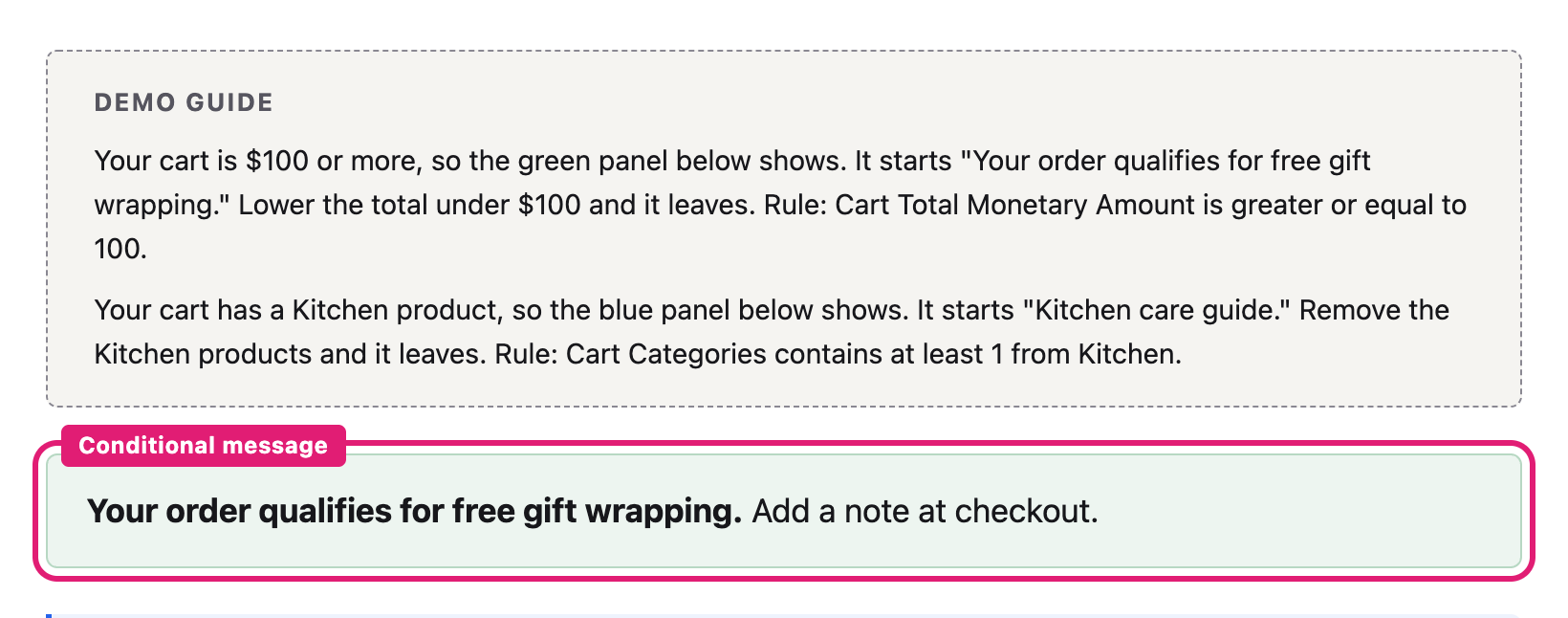
You should see: a green panel that starts “Your order qualifies for free gift wrapping.” above the cart, with no reload. Set the quantity back to 2 and it leaves.
Rule: Cart Total Monetary Amount is greater or equal to 100.
Demo 2
Category in the cart
- Open the cart and remove every item.
- Add a Soy Wax Candle and open the cart. No blue panel shows.
- Add a Ceramic Camp Mug and open the cart.
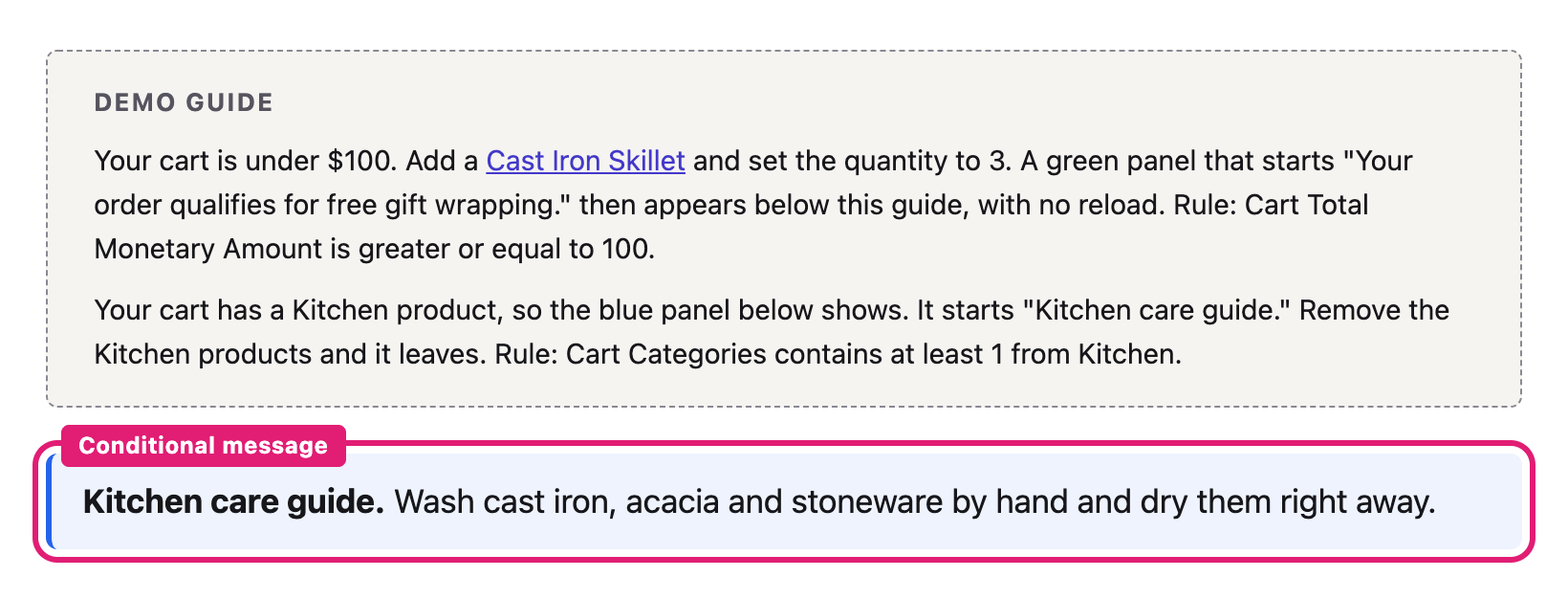
You should see: a blue panel that starts “Kitchen care guide.” above the cart.
Rule: Cart Categories contains at least 1 from Kitchen.
Display conditions on any block
Demo 3
Show a block to one role
- Select Log out in the buttons above if it shows, then open Wholesale. The page has no price list.
- In the Demo guide, select Log in: Wholesale customer.
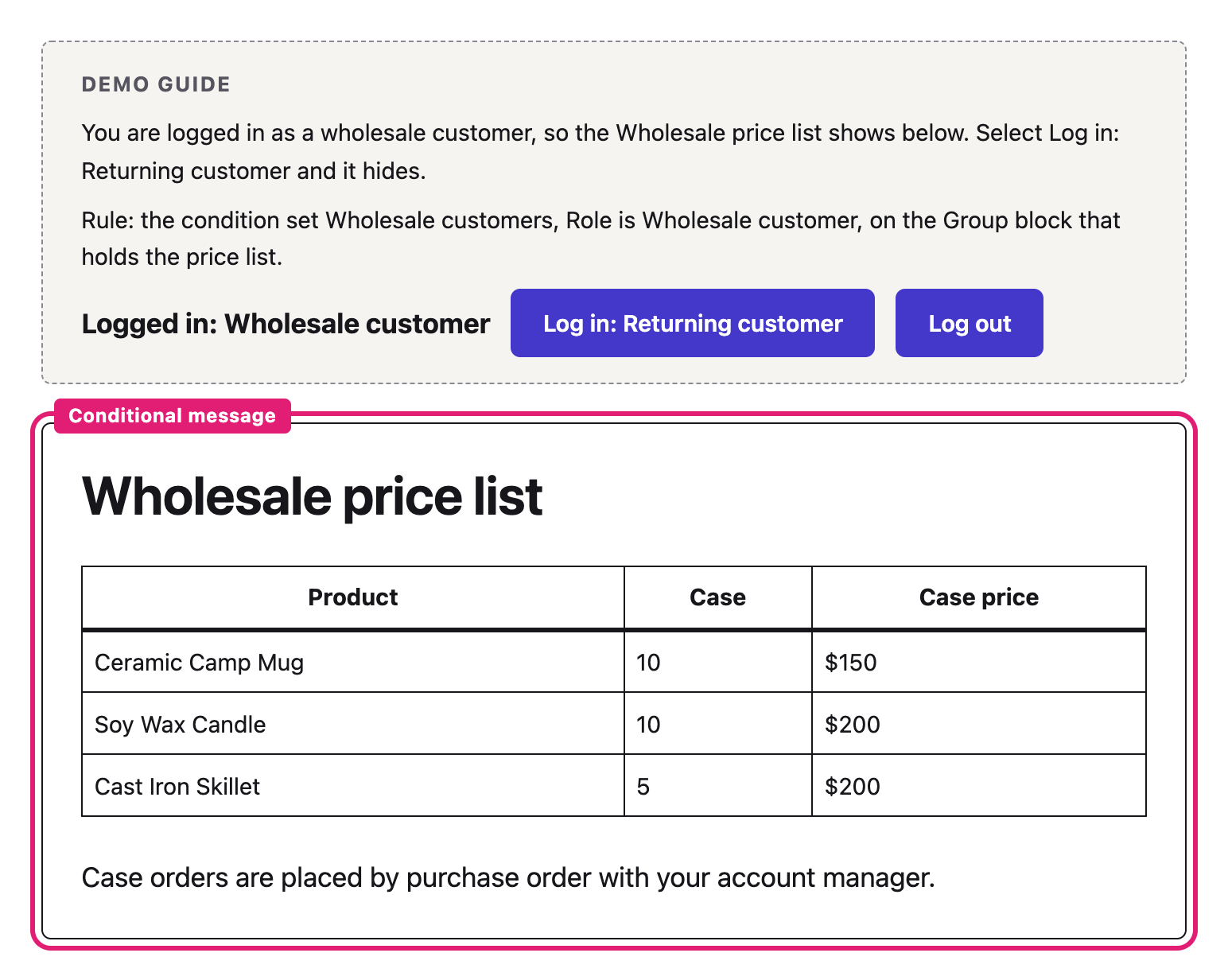
You should see: the Wholesale price list table appears below the Demo guide.
Rule: Condition set Wholesale customers: Role is Wholesale customer.
Demo 4
Hide when matched
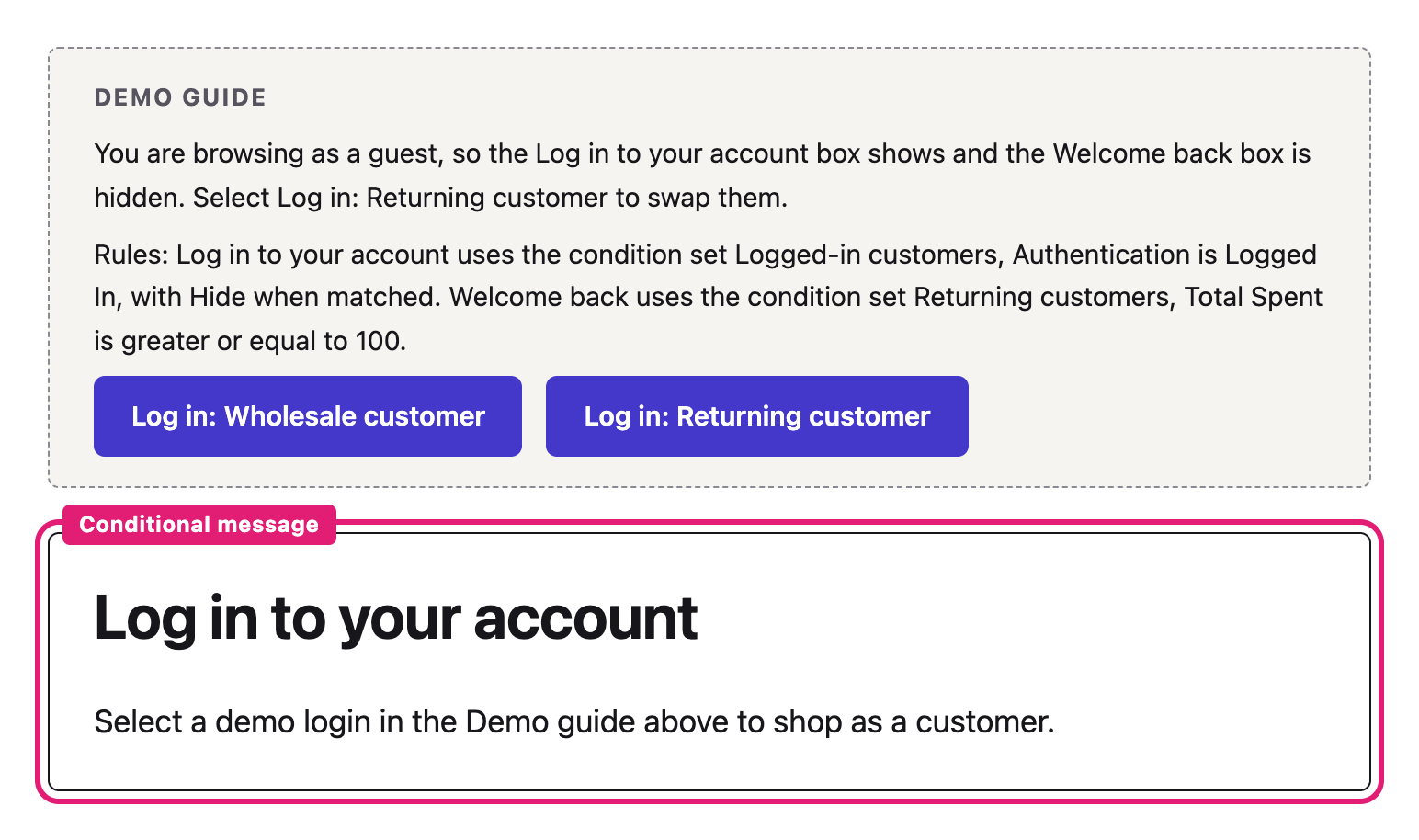
- Select Log out in the buttons above if it shows, then open Customers. The Log in to your account box shows.
- In the Demo guide, select Log in: Wholesale customer.
You should see: the Log in to your account box is gone.
Rule: Condition set Logged-in customers: Authentication is Logged In, with Hide when matched.
Demo 5
Customer history
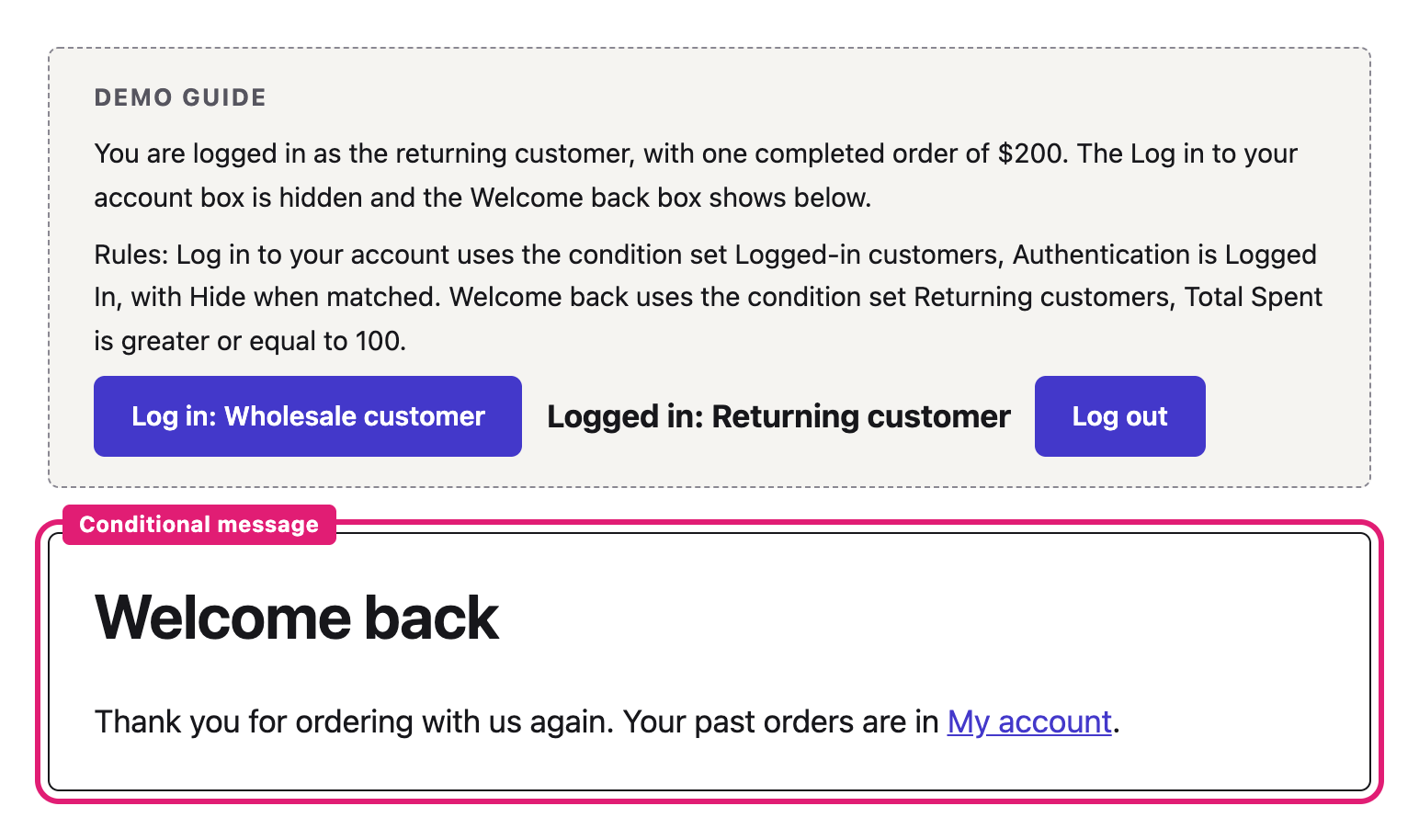
- Open Customers and select Log in: Wholesale customer. This account has no orders and no Welcome back box shows.
- Select Log in: Returning customer. This account has one completed order of $200.
You should see: the Welcome back box appears below the Demo guide.
Rule: Condition set Returning customers: Total Spent is greater or equal to 100.
Demo 6
A banner on one page
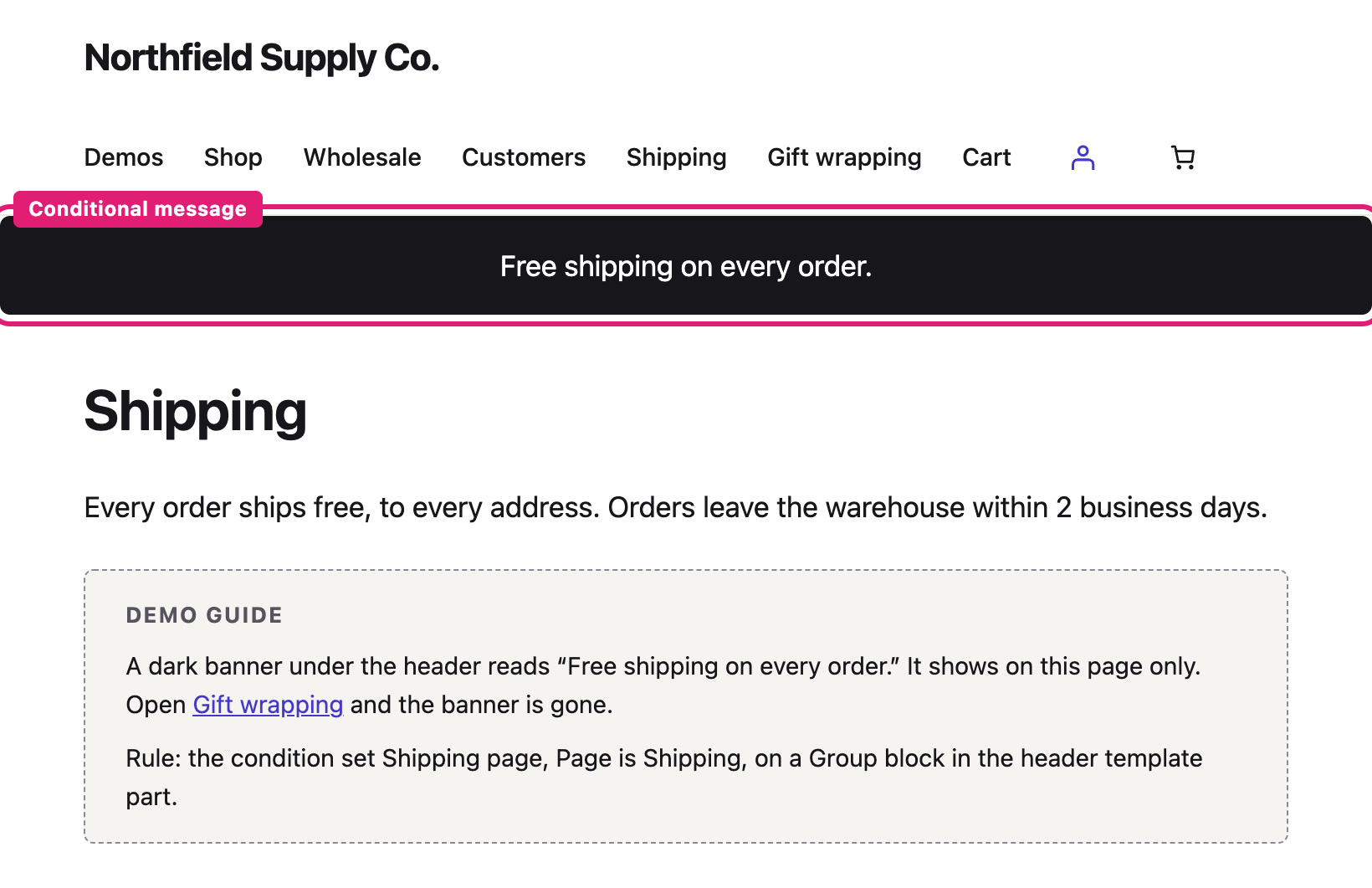
- Open Gift wrapping. The header has no banner.
- Open Shipping.
You should see: a dark banner under the header that reads “Free shipping on every order.”
Rule: Condition set Shipping page: Page is Shipping, on a Group block in the header template part.
Product rules
Demo 7
Messages under the price
- Open the Soy Wax Candle. No message shows under the price. The product matches no rule.
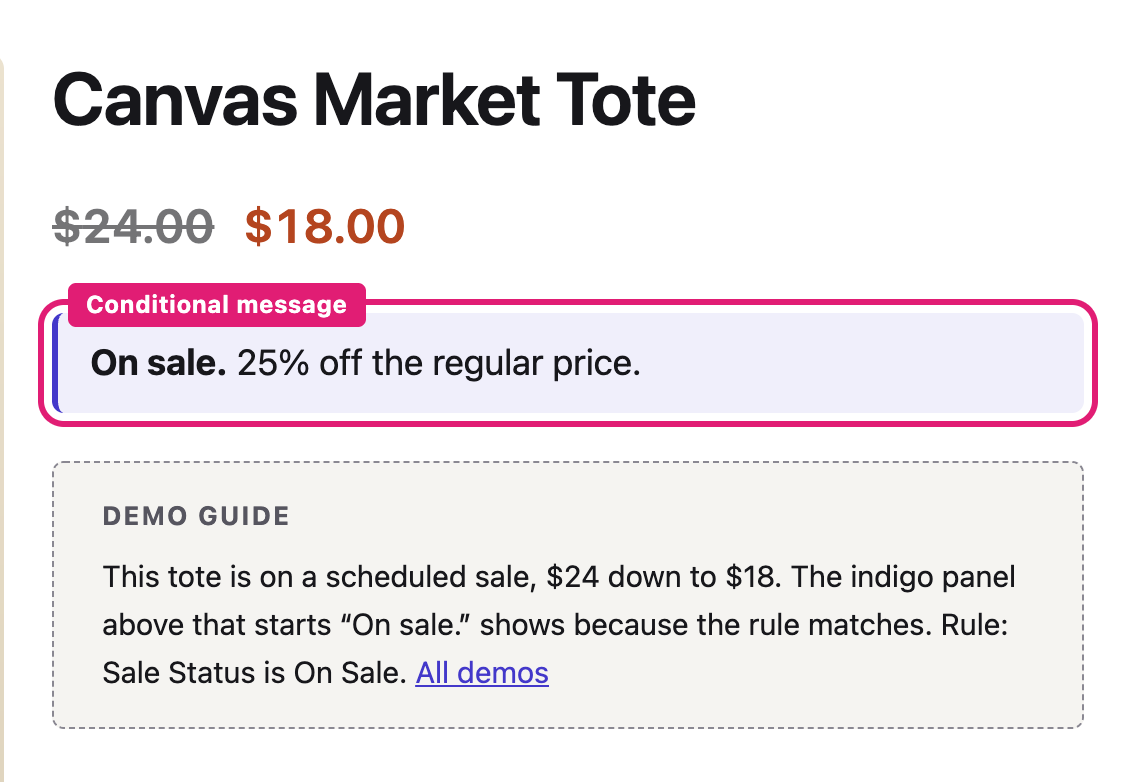
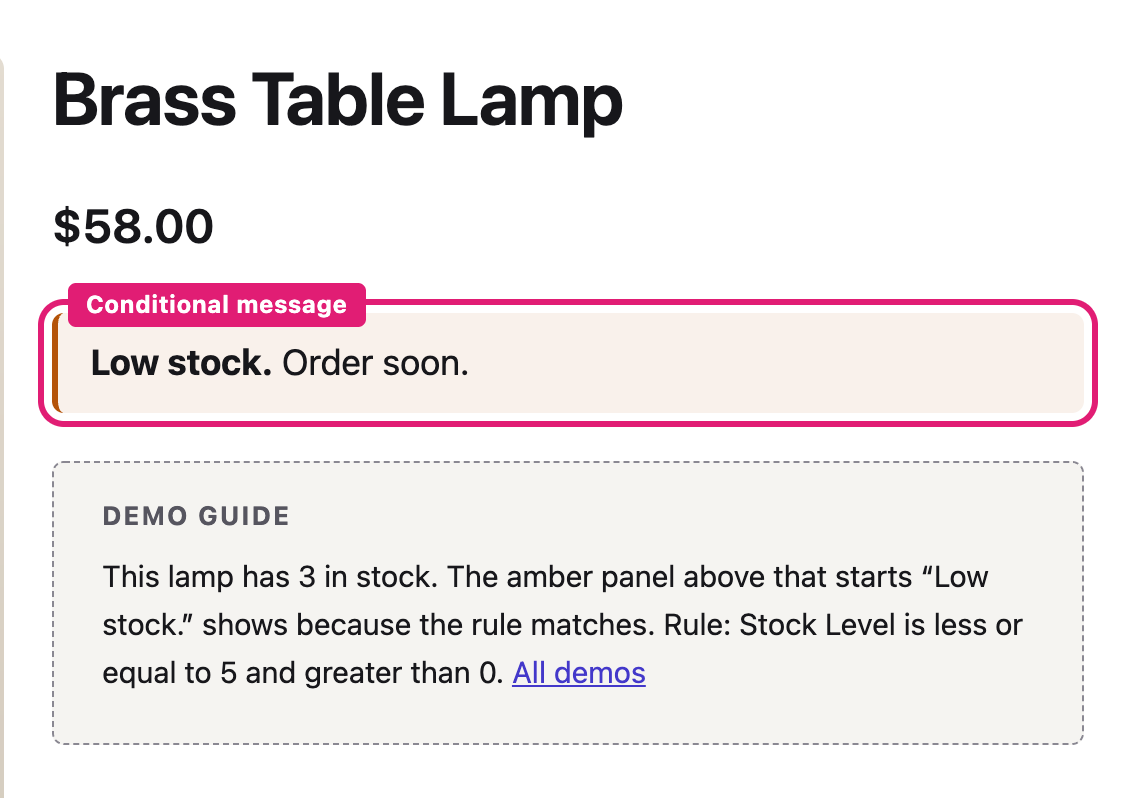
- Open the Canvas Market Tote, the Brass Table Lamp and the Merino Wool Beanie.
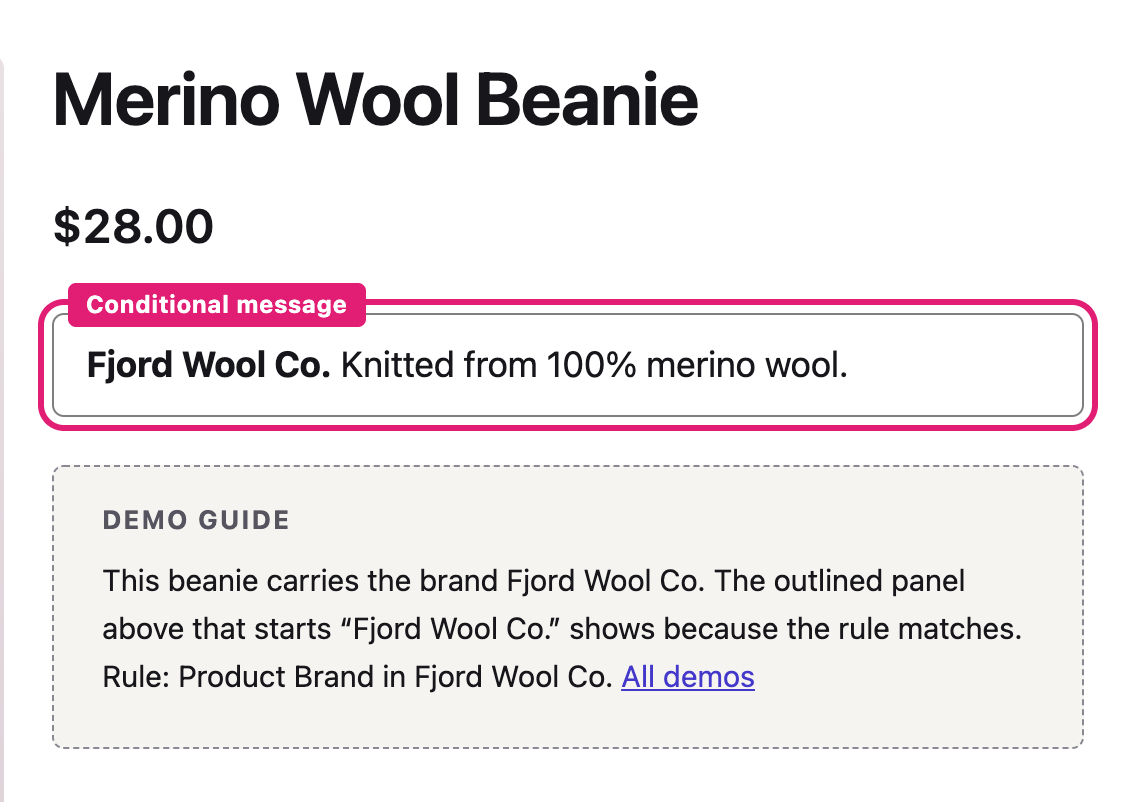
You should see: one message under the price on each of the three: an indigo “On sale.” on the tote, an amber “Low stock.” on the lamp and an outlined “Fjord Wool Co.” note on the beanie.
Rule: Sale Status is On Sale. Stock Level is less or equal to 5 and greater than 0. Product Brand in Fjord Wool Co. Three content blocks sit under the price in the Single Product template.
Shortcode
Demo 8
Place a content block with its shortcode
- Open the cart and remove every item.
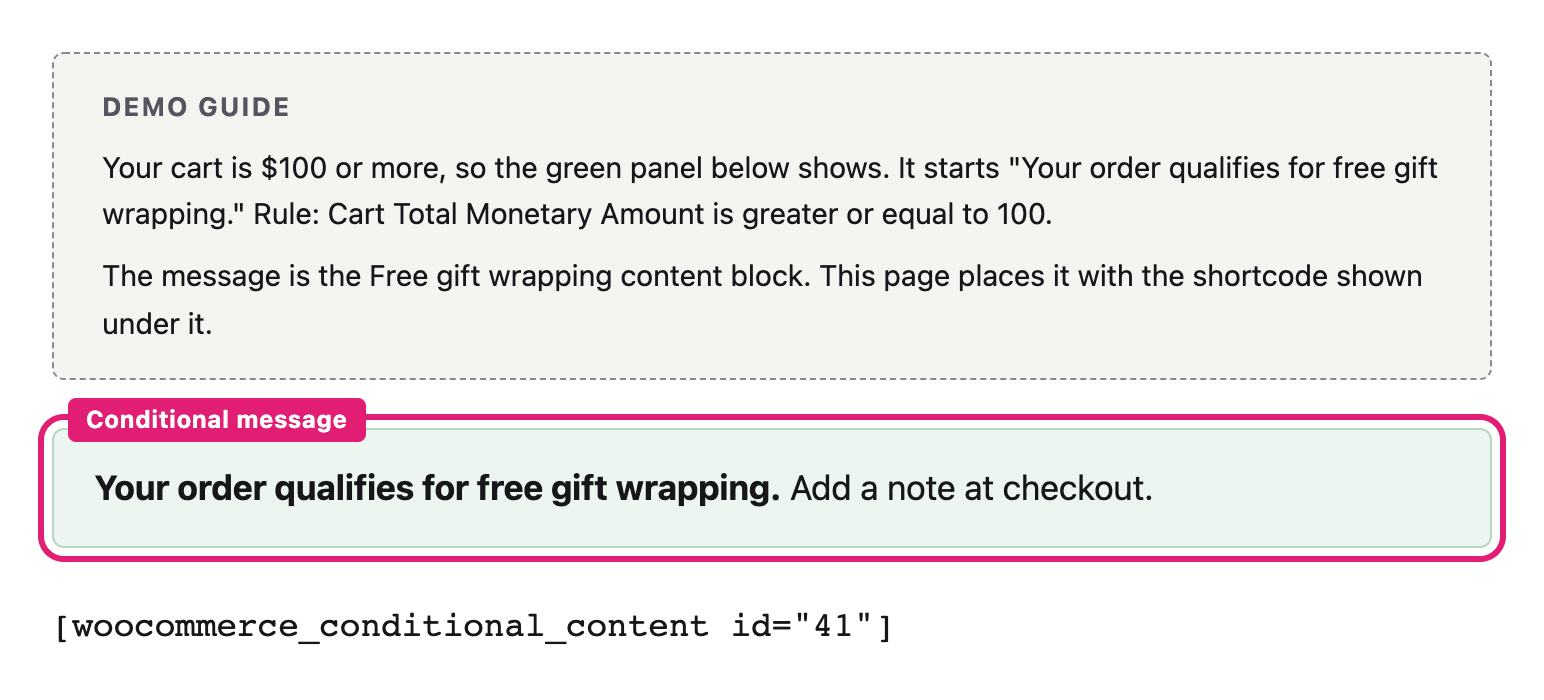
- Open Gift wrapping. The message is hidden while the cart is under $100.
- Add 3 Cast Iron Skillets to the cart, then return to Gift wrapping.
You should see: the green gift wrapping panel below the Demo guide.
Rule: The Free gift wrapping content block, placed with its shortcode: Cart Total Monetary Amount is greater or equal to 100.
Store administrators manage the content blocks at WooCommerce, Content Blocks and the condition sets at WooCommerce, Condition Sets.